Problem adding verified phone number
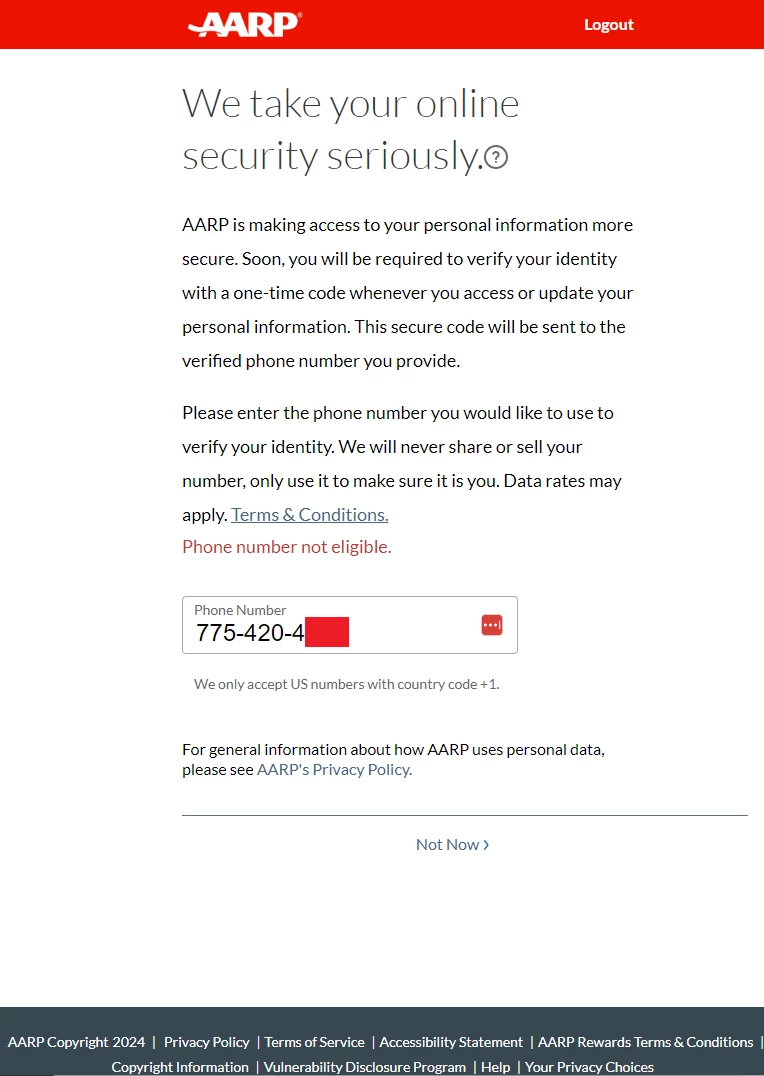
When logging into my AARP account, I'm asked to add a phone number to verify identity. But when I enter it, an error appears "Phone number not eligible." This is a Reno, NV number that I've had for many years.
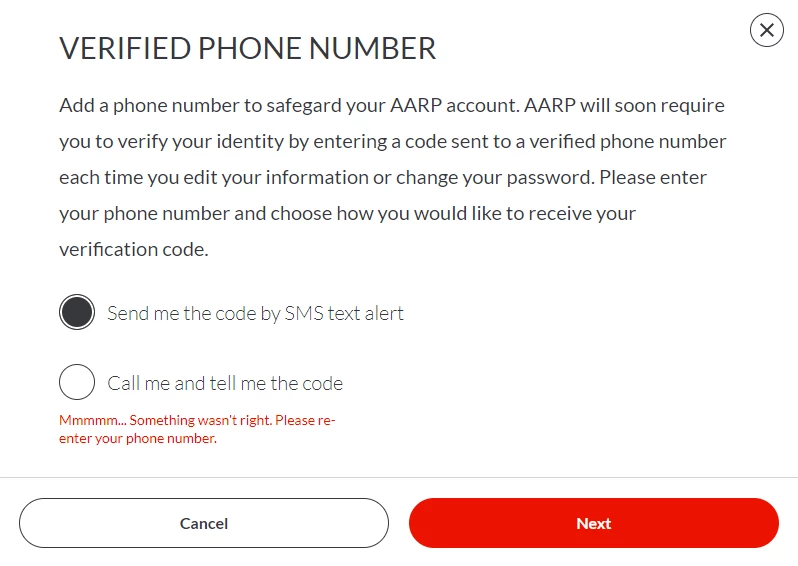
There is also an option in Account Details to add a number. Options are "Send me the code by SMS text alert" and "Call me and tell me the code". Guessing that there may be a problem sending an SMS, I try to select the latter, but the web page ignores the click. I tried with both Chrome and Firefox. But upon clicking Next, an error message appears, cleverly designed to have no useful information "Mmmmm... Something wasn't right. Please re-enter your phone number." But there is no field where the number can be entered, and upon clicking Next, the same error reappears.
However, I am certain that AARP can send SMS to this number, because I signed up with the same number for text alerts; today at 10:15 PDT I received an SMS from 692277 stating "Your AARP verification code is: xxxxxx. Don't share this code with anyone; our employees will never ask for the code."
Please fix this, or tell me how to work around this problem.
Thanks,
Stewart