
Navigating the New Forum
Many of you already know how finding threads work now. For those that are new, here is the way to find threads that you are interested in finding. Either for a short time or long term efforts. On your community profile (click on your avatar), you will find your posts. The method below is a way to find posts you may just want to read or keep up with.
Couldn’t find this elsewhere, sorry if it is duplicated.
When viewing a thread, under the subject post of the thread there is a place to Like, Follow and Share. If you want to find that thread to either post again or just keep up with --- Click Follow.
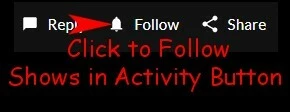
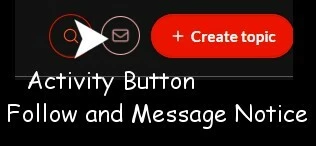
This will have the post(s) you Follow show in the Activity Button at the top of the screen. As will any private messages you receive.
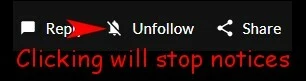
If you no longer want these notices for any topic, just click --- Unfollow.
Hope this helps. Hope I put in everything I wanted. There is no way to Preview (that I can find) my entire post.
There is also