SummerOnTheWay1
August 25, 2026
Question

AARP Teri - is there a way to TURN OFF "notifications"?
  • August 25, 2026
  • 5 replies
  • 80 views

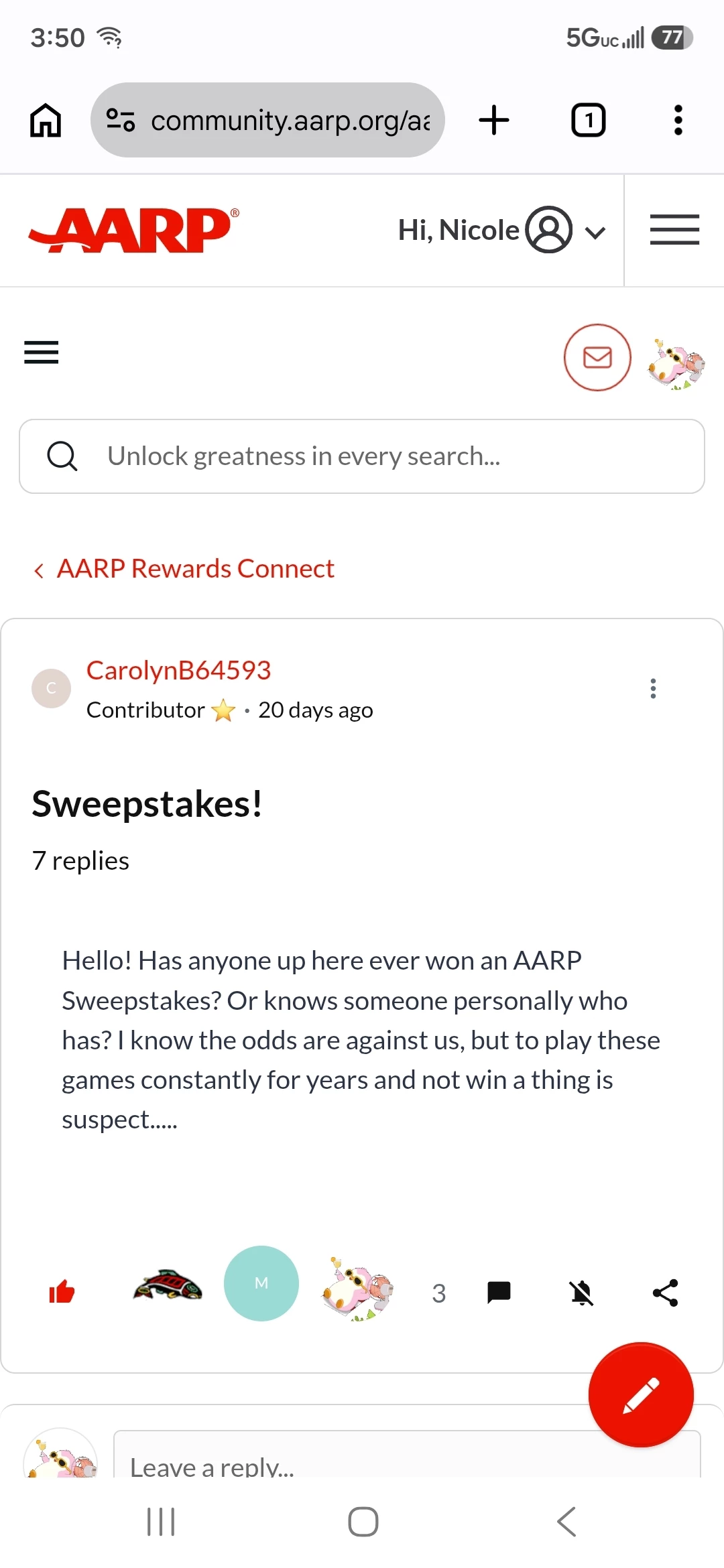
📸[*** Screenshot Attached]

(1) I thought the bell with a line through it mean't I would NOT receive an AARP email when people comment AFTER me in a thread? I just received one when Les just commented AFTER me. AARP Teri ​@AARPTeri , I really have NO "interest" in returning to being "flooded" with notifications I DONOT want.

(2) To "clarify" in case my Old Brain is NOT getting this. We can NO longer "subscribe" to forums WE DO WANT AARP emails "informing" us when someone leaves a comment? The ONLY forum I want to know about in case I am NOT on site, is your "Grief & Loss" forum. The rest I will see when I stop by site. With the OLD SITE I had this setup. Is this "option" gone?

***I know you are busy & hate to bother you, but really NEED to Know IF I am going to be getting "notifications" after I comment in some "random" thread? Lol, HATE having to "clean out" my email IN BOX. Got it setup to "receive" ONLY what I want.

Thanks Teri,

Nicole 💛🤗

5 replies

SummerOnTheWay1
August 25, 2026

[PART TWO] AARP Teri ​@AARPTeri , I found 2 areas that "may" resolve my 2 issues. What do I need to CHANGE? This is what was in place from you guys. I have NOT changed anything as yet. 📸[*** 2 screenshots attached]


WebWiseWoman
Community Champion ⭐⭐⭐
August 26, 2026

Not sure if this will help but it worked for me.

If you use Gmail, open the email notification from AARP and there should be an option to “unsubscribe”; then taken to the new providers page then opt out…

hth

SummerOnTheWay1
August 26, 2026

[Wednesday 8/26/26]


Thanks for trying to help ​@WebWiseWoman . Yes, you are correct. That would work if I wanted no notifications from AARP's community board. I should be able to select which notifications I want & not be automatically signed up for all. Hating this new setup but who am I to complain. Take care, Nicole 😉

AARPTeri
Community Manager
August 26, 2026

Yes, you can go to your Settings, by clicking on your community profile and the drop down menu will appear. From there - choose Settings, then Notifications - you can update all of your notifications there.  Additionally, you can follow and unfollow threads by choosing that option at the bottom of a post.


SummerOnTheWay1
August 26, 2026

[Wednesday 8/26/26] Thanks AARP Teri ​@AARPTeri !!! Nicole 🤗💛 

Yes, you can go to your Settings, by clicking on your community profile and the drop down menu will appear. From there - choose Settings, then Notifications - you can update all of your notifications there.  Additionally, you can follow and unfollow threads by choosing that option at the bottom of a post.